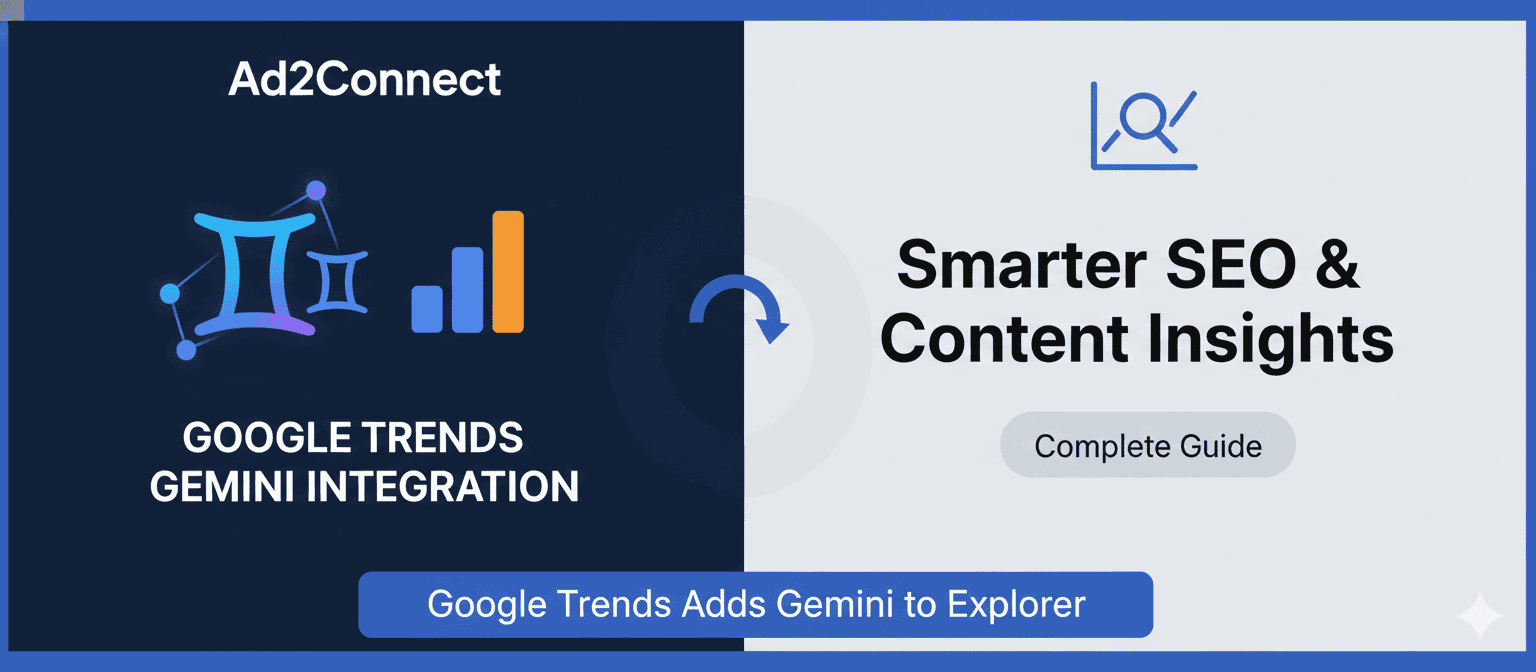
Google Trends Adds Gemini to Explorer: A Complete Guide for Smarter SEO & Content Insights
Why This Google Trends Update Matters
When Google Trends adds Gemini to Explorer, it marks a fundamental shift in how search data is analyzed and understood. For years, Google Trends showed what people were searching for—but not why.
With Gemini’s AI-driven insights now embedded directly into the Explorer page, users gain context, intent, and narrative-level understanding of search behavior. This aligns perfectly with Google’s shift toward AI Overviews, entity-based ranking, and behavioral signals.
What Does “Google Trends Adds Gemini to Explorer” Mean?
Gemini is Google’s advanced AI model designed to interpret, summarize, and contextualize information. Its integration into Google Trends Explorer transforms the tool from a visualization platform into an AI-powered search intelligence system.
What Gemini Does Inside Google Trends
- Explains why a topic is trending
- Identifies real-world events driving interest
- Surfaces emerging and related queries
- Highlights regional and seasonal differences
- Detects meaningful patterns automatically
Why This Update Is Critical for SEO & Digital Marketing
Improved Search Intent Understanding
Gemini helps classify trends by intent, allowing content creators to align pages with actual user expectations:
- Informational (guides, explainers)
- Navigational (brands, tools)
- Commercial (comparisons, reviews)
- Transactional (purchase-driven queries)
This supports AIO, TEO, and LEO by enabling semantic and entity-based optimization.
Faster, Smarter Content Decisions
Instead of manually analyzing spikes, Gemini explains them instantly. This improves editorial planning, trend forecasting, and content velocity—key components of CIO and VEO.
Google Trends Before vs After Gemini
| Feature | Before Gemini | After Gemini |
|---|---|---|
| Trend Explanation | Manual analysis | AI-generated summaries |
| Intent Clarity | Limited | Advanced |
| Context | Charts only | Events & narratives |
| Regional Insights | Raw data | AI interpretation |
| SEO Value | Basic | Strategic |
How to Use Gemini in Google Trends Explorer
- Open Google Trends and go to Explorer
- Enter a broad topic or keyword
- Review Gemini-generated insights and summaries
- Extract related queries and intent signals
- Apply insights to SEO briefs, content clusters, and CRO pages
Practical Use Cases for SEOs & Marketers
Keyword Research with Context
When Google Trends adds Gemini to Explorer, keyword research becomes meaning-driven. Gemini explains whether growth is seasonal, news-driven, or behavior-based—supporting sustainable SEO strategies.
GEO & Local SEO Optimization
Gemini highlights geographic patterns, helping businesses localize content, optimize Google Business Profiles, and improve MEO (Maps Engine Optimization).
Actionable Tips to Maximize Gemini-Powered Trends
- Build topic clusters instead of standalone articles
- Structure content for AI Overviews using Gemini summaries
- Optimize UX & accessibility with clear headings and scannable layouts
- Combine with GA4 and Search Console for behavioral SEO insights
CRO & Conversion Optimization Opportunities
Turn insights into results by:
- Adding a downloadable SEO or AI checklist
- Placing mid-scroll CTAs
- Internally linking to pillar and service pages
Social Media & SMO Repurposing Hooks
- LinkedIn: Google Trends adds Gemini to Explorer—keyword research is now intent-first, not data-heavy.
- X (Twitter): Google Trends + Gemini = AI-powered search intelligence.
- Featured Snippet: Gemini explains why topics trend and adds AI-driven context to Google Trends.
Conclusion: Google Trends Enters the AI Era
When Google Trends adds Gemini to Explorer, search intelligence evolves from numbers to narratives. This update empowers marketers and SEOs to make smarter, faster, and more future-proof decisions.