
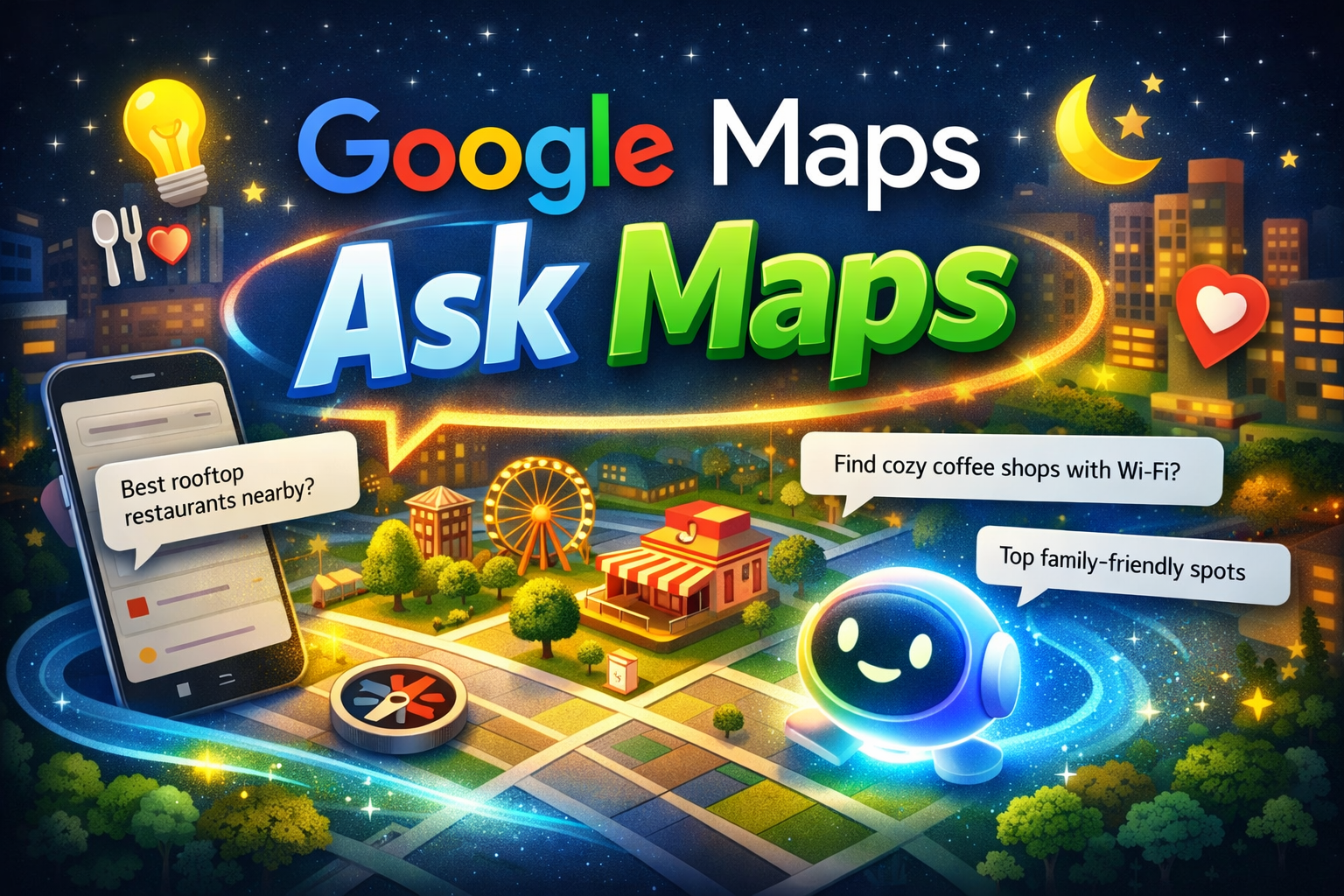
Google Maps Ask Maps: AI-Powered Conversational Exploration
Google is transforming how users explore locations with the introduction of Google Maps Ask Maps. Instead of relying on traditional search queries, users can now interact with Google Maps using natural language and receive intelligent recommendations.
This new feature integrates conversational AI powered by Gemini, enabling AI-powered local discovery in Google Maps. Users can ask questions like “What are the best quiet cafes near me?” or “Find family-friendly restaurants open tonight.”
Quick Answer: Google Maps Ask Maps is a conversational AI feature that allows users to ask natural questions directly inside Google Maps. The system analyzes reviews, photos, and location data to provide personalized recommendations.
Table of Contents
What Is Google Maps Ask Maps?
Google Maps Ask Maps is a conversational AI feature integrated into Google Maps that allows users to ask questions about locations and experiences.
- Find quiet coffee shops nearby
- Best rooftop restaurants near me
- Kid-friendly parks within 5 miles
The AI understands user intent and provides curated results based on reviews, photos, and popularity signals.
How Google Maps Ask Maps Works
Natural Language Processing
The AI analyzes user questions to understand intent, location, and preferences.
Google Maps Data Analysis
The system evaluates reviews, ratings, photos, and business information to deliver relevant suggestions.
Conversational Interaction
Users can refine results through follow-up questions.
- Show brunch spots nearby
- Which ones have outdoor seating?
Key Features
Conversational Search
Users can ask natural questions instead of typing keywords.
Personalized Results
The system considers user preferences and behavior.
Context-Aware Recommendations
Suggestions adapt based on time of day, location, and popularity.
Gemini AI in Google Maps
The conversational capabilities of Ask Maps are powered by Google’s advanced AI model, Gemini.
- Analyzes user intent
- Processes reviews and photos
- Generates summaries of locations
AI-Powered Local Discovery
Traditional map searches required manual filtering. With conversational AI, users can ask complex questions and instantly receive tailored results.
How to Ask Google Maps Questions
Step 1
Open Google Maps.
Step 2
Use the conversational search bar.
Step 3
Ask a natural question.
- Best vegetarian restaurants near me
- Cafes with Wi-Fi and good reviews
Use Cases
Travelers
- Top attractions
- Local restaurants
Remote Workers
- Quiet work cafes
- Places with Wi-Fi
Families
- Kid-friendly parks
- Family dining options
Impact on Local SEO
Businesses that maintain optimized Google Business Profiles and positive reviews are more likely to appear in AI recommendations.
- Encourage customer reviews
- Add high-quality photos
- Keep business details updated
Best Practices
- Ask detailed questions
- Use follow-up queries
- Check reviews and ratings
Common Mistakes
- Using vague queries
- Ignoring context such as budget or distance
- Not refining results
Conclusion
The launch of Google Maps Ask Maps represents a major shift toward conversational discovery. Powered by Gemini AI, the feature enables smarter and faster exploration of local places.
As AI continues to transform search experiences, conversational tools like Ask Maps will play an important role in how users discover restaurants, businesses, and attractions around the world.