

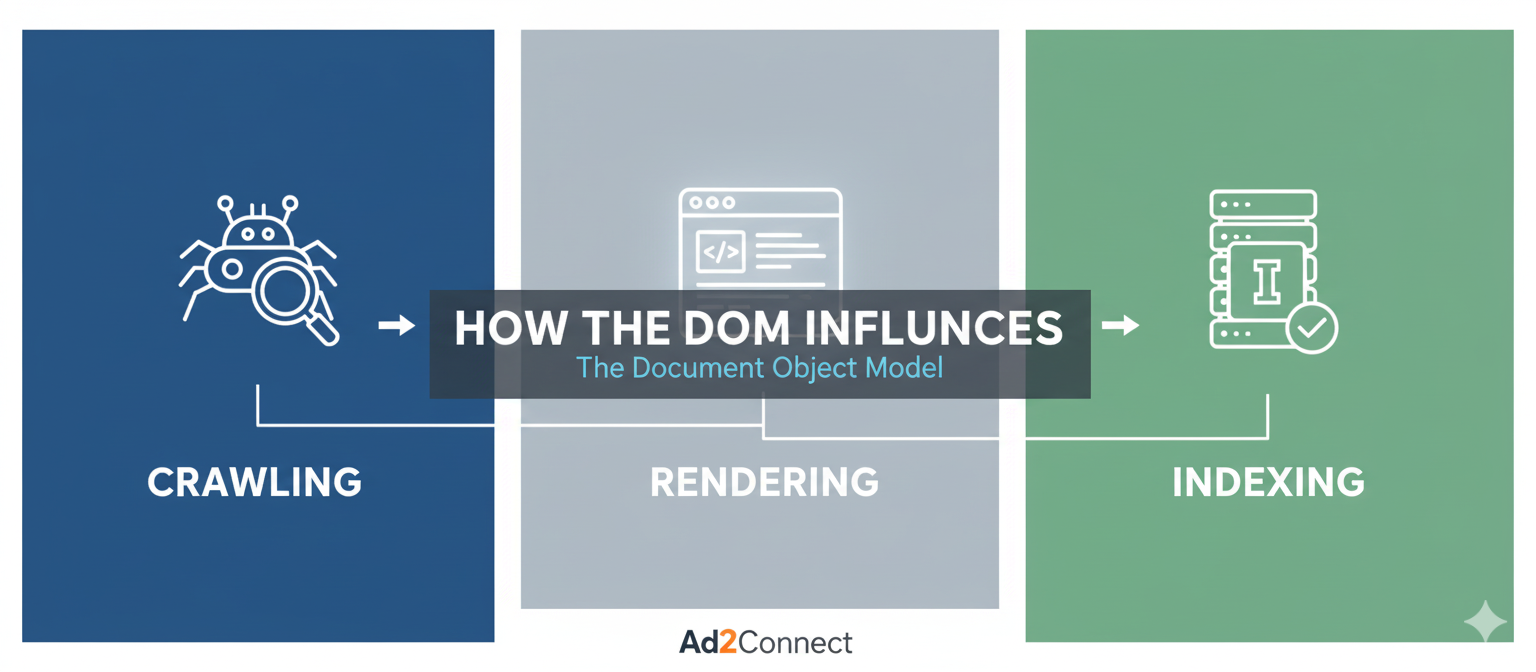
How the DOM Influences Crawling, Rendering & Indexing
Search engines don’t see websites the same way users do. While visitors interact with visually designed pages, search engine bots rely on the Document Object Model (DOM) to interpret page content. The DOM plays a critical role in how search engines crawl, render, and index websites.
As websites increasingly rely on JavaScript frameworks, dynamic content, and complex layouts, understanding how the DOM affects search engine behavior has become essential for modern SEO. If your site structure isn’t optimized for crawling and rendering, valuable content might remain invisible to search engines.
This guide explains how the DOM influences crawling, rendering, and indexing, and provides practical strategies to ensure your website remains fully accessible to search engines.
What Is the DOM in Web Development?
The Document Object Model (DOM) represents the structure of an HTML page as a hierarchical tree of elements. It allows browsers and scripts to interact with the content, structure, and styles of a webpage.
Every element on a webpage—headings, paragraphs, images, and links—exists as a node within the DOM tree.
For example, a simple page structure may look like this:
- HTML document
- Head section (metadata, scripts, styles)
- Body section
- Headings, paragraphs, images, and links
Search engines analyze this structure when interpreting the meaning and importance of page content.
How Crawling Works with the DOM
Crawling is the first stage of search engine discovery. Bots like Googlebot visit pages and follow links to identify content across the web.
The DOM directly influences how easily these bots can access and understand your content.
DOM Structure and Crawl Efficiency
A clean DOM structure helps bots efficiently discover important content. However, complicated or deeply nested elements can slow down crawling.
Common crawl issues related to the DOM include:
- Excessive nested elements that increase complexity
- Hidden content loaded only after JavaScript execution
- Broken or dynamically generated links
- Navigation elements rendered after user interaction
If crawlers cannot easily access links or content within the DOM, parts of your website may remain undiscovered.
The Role of DOM in Rendering
Rendering occurs after crawling. During this stage, search engines process HTML, CSS, and JavaScript to build the final version of a webpage.
Modern websites often rely on JavaScript frameworks like React, Angular, or Vue. While these technologies enhance user experience, they can complicate rendering for search engines.
How Rendering Challenges Affect SEO
If important content only appears after JavaScript execution, search engines may delay processing it. This can lead to:
- Slower indexing
- Missing content in search results
- Reduced visibility for key pages
Google uses a two-wave indexing system. Initially, it crawls raw HTML. Later, it renders JavaScript to build the complete DOM. If rendering resources are limited, some pages may never reach the second stage.
How the DOM Affects Indexing
Indexing is the process of storing and organizing web content in a search engine’s database.
Search engines rely on the rendered DOM to determine:
- Page topic and relevance
- Content hierarchy
- Internal link relationships
- Metadata such as titles and descriptions
If important content elements are hidden deep in the DOM or generated dynamically, search engines may not index them properly.
This is particularly common with:
- Single-page applications
- Lazy-loaded content
- Content triggered by user interaction
Common DOM Issues That Hurt SEO
Technical SEO problems often originate from inefficient DOM structures. Addressing these issues can significantly improve search visibility.
1. Overloaded DOM Size
Pages with thousands of DOM nodes can slow down rendering. Large DOM sizes increase processing time for both browsers and search engines.
2. Hidden or Collapsed Content
Content hidden behind tabs or accordions may not always receive equal SEO value if implemented incorrectly.
3. JavaScript-Dependent Navigation
If links appear only after scripts run, crawlers may fail to discover them.
4. Dynamic Content Injection
Content loaded through asynchronous requests may not appear during the initial crawl.
SEO Best Practices for DOM Optimization
Optimizing your DOM structure ensures that search engines can efficiently crawl, render, and index your website.
Keep the DOM Lightweight
- Remove unnecessary elements
- Reduce nested containers
- Minimize unused scripts
Prioritize HTML Content
Important content should appear directly in the HTML source rather than relying solely on JavaScript rendering.
Implement Server-Side Rendering (SSR)
SSR ensures that search engines receive fully rendered HTML pages instead of waiting for client-side scripts.
Use Semantic HTML Elements
- <header>
- <nav>
- <main>
- <article>
- <section>
These tags help search engines better understand page structure.
Optimize Internal Linking
Ensure all important links are accessible within the DOM using standard anchor tags.
Conclusion
The DOM is far more than a technical concept—it directly impacts how search engines crawl, render, and index your website. Poor DOM structures can hide valuable content from search engines, while optimized structures improve discoverability and performance.
By simplifying your DOM, prioritizing HTML content, and adopting modern rendering strategies, you can significantly enhance your website’s search visibility.
As search evolves toward AI-driven experiences, technical SEO fundamentals like DOM optimization will play an increasingly important role in maintaining strong organic performance.


