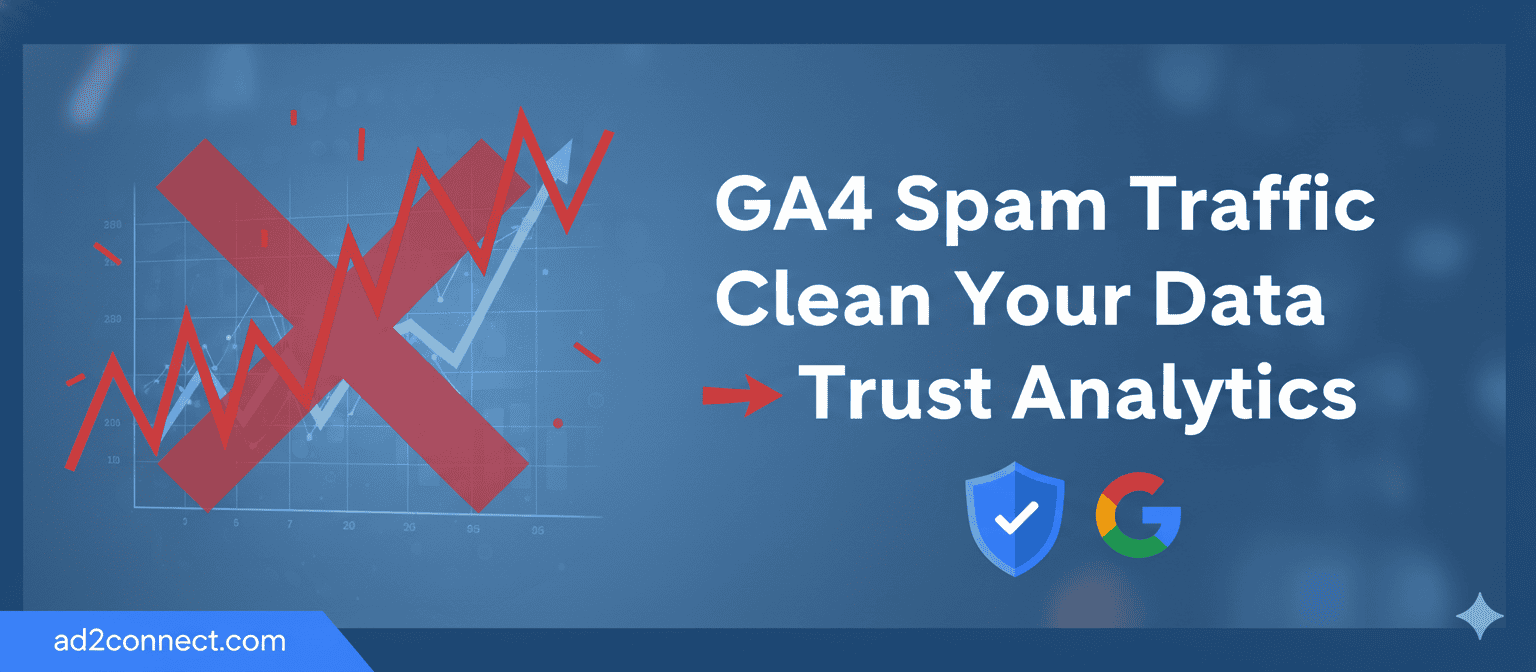
GA4 Spam Traffic: How to Clean Your Data and Trust What You See
What GA4 Spam Traffic Really Is
GA4 spam traffic is fake or low-quality data generated by bots, scripts, or manipulated tracking methods — not real users.
Although GA4 uses an event-based model that reduces traditional spam, it does not eliminate it entirely.
How to Identify Spam Traffic in GA4
Answer first: Spam traffic appears as high volume with no intent, interaction, or engagement.
Key GA4 reports to review
- Traffic acquisition: Unknown sources or sudden spikes without campaigns
- Engagement overview: Engagement time near zero
- Geographic data: Countries or cities you don’t target
- Events: High event counts without conversions
Clear warning signs include sessions without page views and users triggering only session_start.
Common Types of GA4 Spam Traffic
Bot traffic
Automated crawlers with single-page visits and zero engagement.
Referral spam
Fake domains appearing as traffic sources without real landing pages.
Measurement Protocol abuse
Fake events sent directly to GA4 without an actual website visit.
Industry analysis from platforms like Search Engine Land confirms GA4 is more secure than Universal Analytics, but ongoing monitoring is still required.
How to Clean Spam Traffic in GA4 Safely
Quick answer: You don’t delete spam — you isolate it.
- Use comparisons instead of permanent filters
- Exclude known spam referrals in tag settings
- Validate hostnames to block ghost spam
- Implement GA4 via Google Tag Manager
Important: Avoid deleting historical data. GA4 works best with analysis-level filtering.
How to Prevent Spam Traffic in GA4 Long-Term
- Keep your Measurement ID secure
- Enable enhanced measurement correctly
- Use server-side tagging for advanced setups
- Review traffic weekly, not monthly
- Cross-check GA4 data with Search Console
For Mumbai-based businesses, compare GA4 data with real enquiries and location-level conversions.
Conclusion — Clean Data Leads to Confident Decisions
GA4 spam traffic doesn’t just inflate numbers — it damages trust.
- High traffic doesn’t always mean growth
- Clean data improves SEO and CRO decisions
- GA4 requires active monitoring
Take action now: Audit your GA4 setup, clean your reports, and base decisions on real users — not bots.