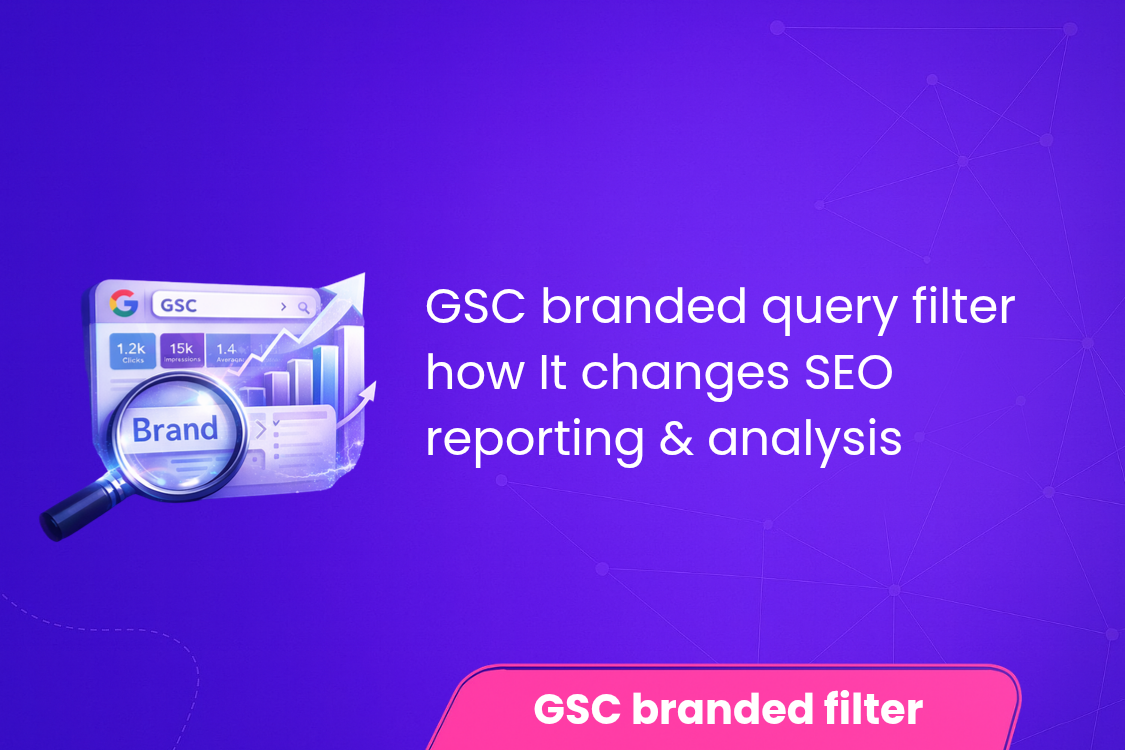
GSC Branded Query Filter: How It Changes SEO Reporting & Analysis
The GSC branded query filter is one of the most impactful updates in Google Search Console for SEO professionals and marketers. It allows users to clearly separate branded and non-branded search queries, making SEO reporting more accurate and insightful.
Previously, distinguishing between these query types required manual filtering, often leading to incomplete data. With this feature, businesses can now understand whether their traffic comes from brand awareness or organic discovery.
This distinction is crucial because branded queries reflect existing user intent, while non-branded queries show your ability to attract new audiences. In this guide, we explore how this feature works and how it improves SEO reporting and analysis.
Table of Contents
- What Is the GSC Branded Query Filter?
- Why This Update Matters for SEO
- Understanding Branded vs Non-Branded Queries
- GSC Branded Query Filter and SEO Reporting
- Key Benefits of Using the Filter
- How to Use the GSC Branded Query Filter
- Impact on Keyword Strategy and Performance Tracking
- Best Practices
- Common Mistakes to Avoid
- FAQs
- Conclusion
What Is the GSC Branded Query Filter?
The GSC branded query filter is a feature in Google Search Console that allows users to segment search queries into branded and non-branded categories. This helps in analyzing traffic sources more accurately.
Branded Queries
These include searches that contain your brand name.
- Example: “Ad2Connect SEO services”
- Example: “Nike official website”
Non-Branded Queries
These are generic searches without a brand name.
- Example: “best SEO agency”
- Example: “running shoes online”
Why This Update Matters for SEO
Improved Reporting Accuracy
You can now isolate branded traffic and evaluate actual SEO performance.
Better User Intent Insights
Understand whether users are searching specifically for your brand or discovering you organically.
Smarter Decision-Making
Use accurate data to improve SEO strategies and campaigns.
Understanding Branded vs Non-Branded Queries
Branded Queries
- High intent
- Higher CTR
- Better conversion rates
Non-Branded Queries
- Discovery-focused
- More competitive
- Essential for growth
GSC Branded Query Filter and SEO Reporting
The GSC branded query filter significantly improves how SEO reports are created and analyzed.
Before the Update
- Mixed data from all queries
- Difficult to measure true SEO performance
- Manual filtering required
After the Update
- Clear separation of data
- Accurate performance tracking
- Easy reporting
Key Metrics Improved
- Clicks
- Impressions
- CTR
- Average position
Key Benefits of Using the Filter
- Better understanding of organic growth
- Clear measurement of SEO ROI
- Improved keyword targeting
- Transparent reporting
How to Use the GSC Branded Query Filter
Step 1: Open Google Search Console
Navigate to the Performance report.
Step 2: Apply Query Filter
Use filters to segment branded and non-branded queries.
Step 3: Analyze Metrics
Compare clicks, impressions, CTR, and rankings.
Step 4: Export Data
Download reports for deeper analysis.
Impact on Keyword Strategy and Performance Tracking
Focus on Non-Branded Keywords
These drive new traffic and increase visibility.
Measure Brand Strength
Branded queries indicate brand awareness.
Refine Content Strategy
Optimize content based on query insights.
Best Practices
- Segment reports regularly
- Track trends over time
- Align data with business goals
- Combine with analytics tools
Common Mistakes to Avoid
- Ignoring non-branded data
- Overvaluing branded traffic
- Not updating SEO reports
- Misinterpreting metrics
Conclusion
The GSC branded query filter is a powerful feature that enhances SEO reporting by separating branded and non-branded queries. It helps marketers gain accurate insights, refine strategies, and measure true SEO performance.
By using this feature effectively, businesses can improve decision-making, identify growth opportunities, and build stronger SEO strategies for long-term success.