Google’s Tag Gateway on Google Cloud: A Smarter Way to Control Your Tracking Data
Google has introduced a major update for modern analytics teams by rolling out
Tag Gateway integration via Google Cloud.
This change improves how Google tags collect and route data, offering businesses
stronger control, better privacy compliance, and more reliable measurement.
In this guide, we explain what Google Tag Gateway is, why it matters, and how
marketers, agencies, and enterprises—especially in competitive markets like Mumbai—can use it strategically.
What Is Google Tag Gateway Integration via Google Cloud?
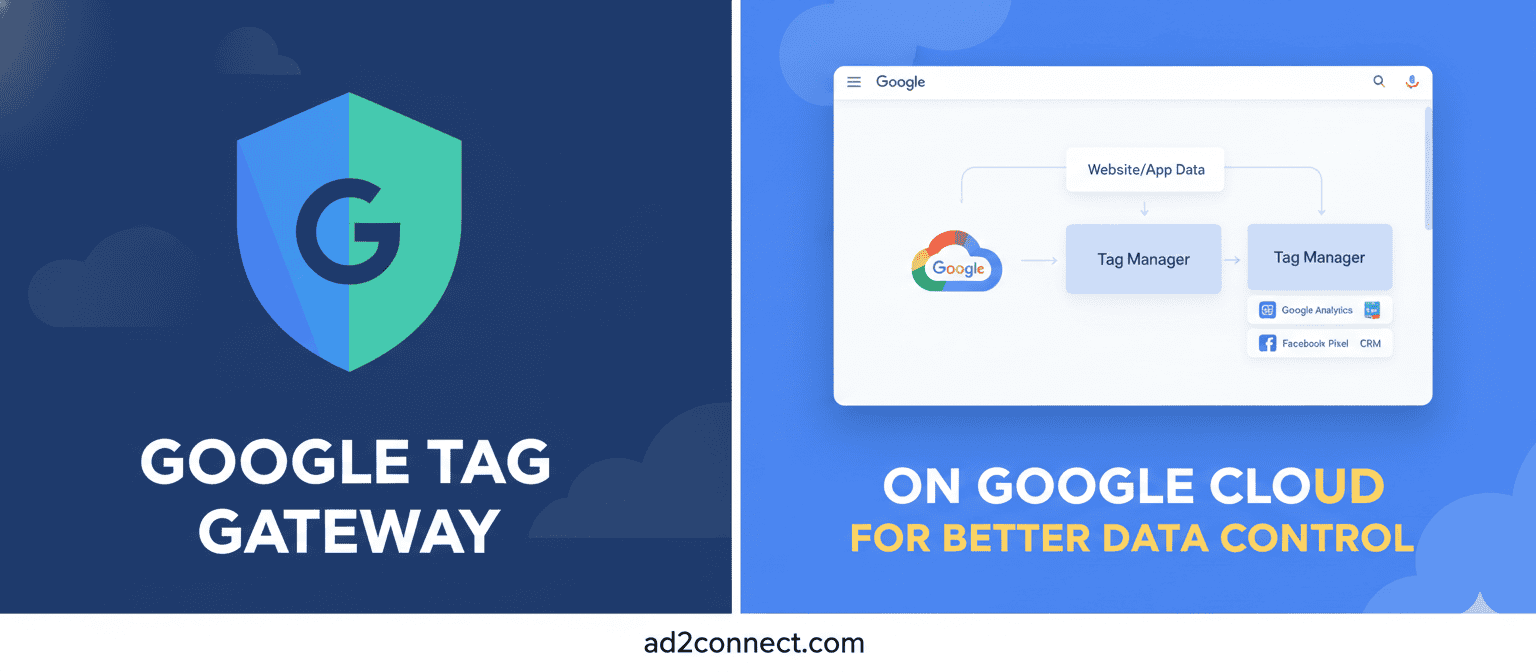
Google Tag Gateway allows Google tags to route data through your own Google Cloud infrastructure before sending it to Google platforms.
Instead of data flowing directly from the browser to Google servers, the data now
passes through your cloud environment first. This adds an extra layer of control and transparency.
- Greater ownership of data flow
- Improved privacy and compliance readiness
- More stable and predictable measurement
- Supports first-party data strategies
Why Google Introduced Tag Gateway Now
Google’s move reflects how digital measurement is evolving globally, driven by privacy regulations and the need for accurate data.
1. Privacy and Compliance Pressures
With GDPR, India’s DPDP Act, and stricter consent requirements, businesses must
clearly control how user data is collected and shared.
Tag Gateway helps by:
- Reducing uncontrolled third-party data transfers
- Supporting consent-based measurement models
- Strengthening first-party data collection
2. Measurement Reliability
Browser-based tracking is becoming less reliable. Tag Gateway improves data
consistency by reducing tag failures and network-related issues.
This is especially valuable for high-traffic websites, ecommerce brands, and SaaS
businesses operating in Mumbai and across India.
How Google Tag Gateway Works (Simplified)
- A user interacts with your website
- Google tags send data to your Google Cloud endpoint
- Your Cloud environment securely forwards the data to Google
- Measurement continues with greater visibility and control
Traditional tagging: Browser ? Google
Tag Gateway: Browser ? Your Cloud ? Google
Tag Gateway vs Server-Side Tagging
Tag Gateway is not a replacement for full server-side tagging, but it bridges the gap
between client-side and server-side setups.
- Easier to implement than server-side tagging
- No full server container required
- Acts as a secure routing layer
Key Benefits for Businesses and Agencies
For marketers:
- Cleaner analytics data
- Better campaign optimization
- Reduced dependency on browser-only tracking
For enterprises and agencies:
-
- Stronger compliance posture
- Improved client trust
- Cloud-ready analytics architecture
Best Practices for Using Google Tag Gateway
-
-
- Use a dedicated Google Cloud project
- Audit existing Google tags before migration
- Align with your consent management platform
- Monitor data accuracy after rollout
- Document changes for analytics and compliance teams
-
Conclusion — Prepare Your Analytics for the Future
Google’s Tag Gateway integration via Google Cloud is a strategic upgrade,
not just a technical change. It signals a future where privacy, control, and reliable
data are essential.
Review your current tagging setup and evaluate whether
Google Tag Gateway aligns with your long-term measurement and growth goals.