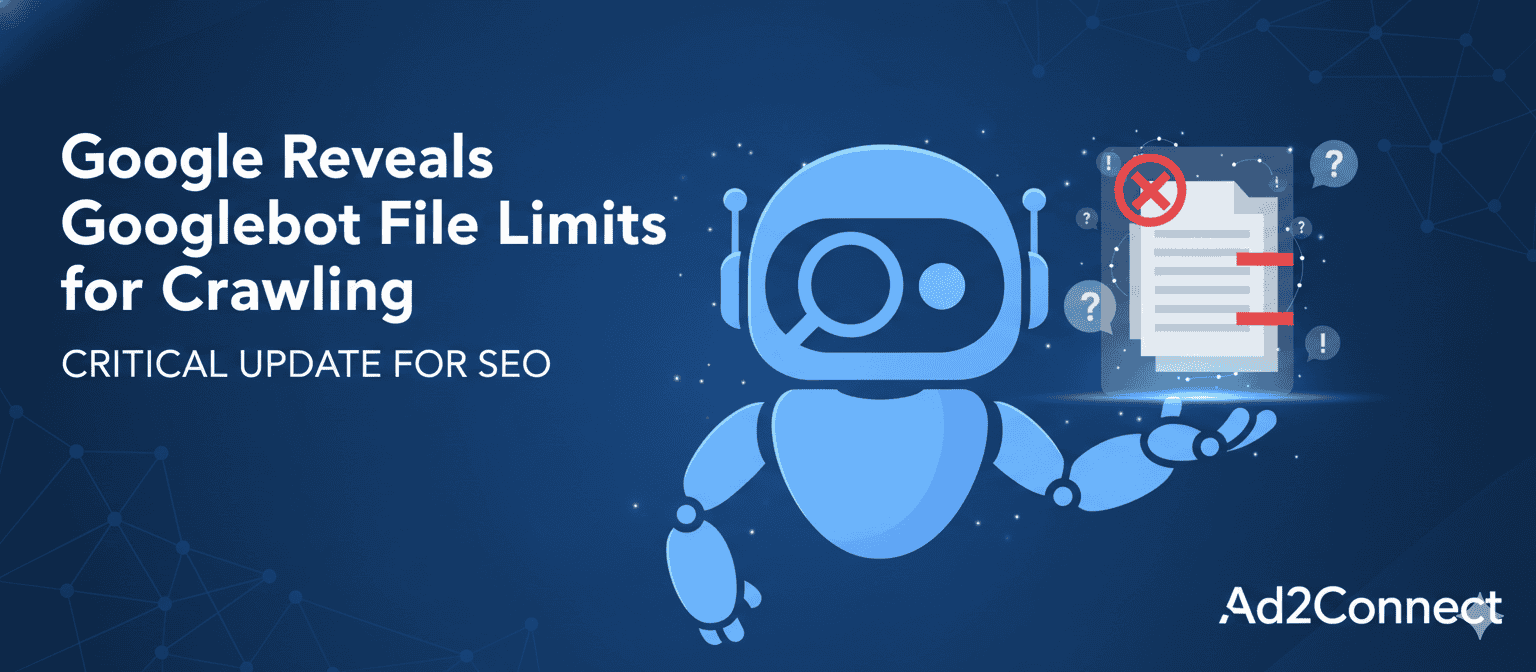
Google Reveals Googlebot File Limits for Crawling
Why Googlebot File Limits Matter More Than Ever
Search visibility starts with crawling. If Googlebot cannot efficiently crawl your website, your content may never reach Google’s index, no matter how well it is written or optimized. Recently, Google officially clarified Googlebot file limits for crawling, giving publishers and SEO professionals a clearer understanding of how large their files can be before crawl efficiency suffers.
This update is especially important as websites grow heavier with JavaScript frameworks, dynamic content, and AI-powered features. Large file sizes can slow down crawling, waste crawl budget, and prevent full content indexing.
Understanding these limits helps site owners improve technical SEO performance, preserve crawl budget, boost page speed and usability, and align with Google Search Essentials and Helpful Content Guidelines. In short, this is not just a technical detail—it directly affects rankings, discoverability, and user experience.
What Are Googlebot File Limits for Crawling?
Google confirmed that Googlebot can crawl up to approximately 15 MB of uncompressed content per file. Once that threshold is exceeded, Googlebot may stop crawling additional content within that file.
This applies primarily to HTML documents, CSS files, JavaScript files, and text-based resources such as PDFs. If important content appears after the cutoff point, it may be ignored, not indexed, or fail to rank.
It is important to understand that the limit applies to the uncompressed version of the file. Even if your page is delivered using GZIP or Brotli compression, Googlebot still evaluates the raw size of the content.
Images and videos are handled differently through specialized crawlers such as Googlebot Image and Googlebot Video. However, the page code that loads them still falls under standard crawling limits.
Why Google Enforces File Size Limits
Google’s crawling systems process billions of URLs every day. To keep search results fast and reliable, Google must balance speed, resource usage, server load, and scalability.
Very large files can slow down crawling pipelines, increase processing costs, delay indexing, and create rendering challenges. Limiting file size allows Google to crawl more pages efficiently while maintaining performance across the web.
For website owners, this means optimizing file size is no longer optional. It is a fundamental part of modern technical SEO.
How Googlebot File Limits for Crawling Impact SEO
Crawl Budget Efficiency
Crawl budget refers to how many URLs Googlebot is willing and able to crawl on your site. If large files consume too much crawl capacity, Googlebot may skip important pages, crawl your site less frequently, or delay indexing updates.
Oversized files waste crawl budget on excessive code instead of meaningful content. Best practices include keeping HTML lean, removing unnecessary scripts, and avoiding massive inline data blocks.
Indexing and Content Visibility
If key content appears after the crawl cutoff point, it may never be indexed. This can cause internal links to be ignored, structured data to be missed, and important navigation elements to be skipped.
From an indexing standpoint, file structure matters just as much as keywords. Clean code ensures Googlebot reaches critical content quickly.
Page Experience and User Signals
Large files increase load time, time to interactive, and largest contentful paint. These performance metrics affect Core Web Vitals, mobile usability, bounce rates, and engagement.
Optimizing for Googlebot also optimizes for users, improving behavioral signals that indirectly support rankings.
Common Causes of Oversized Crawl Files
Many websites exceed Googlebot file limits for crawling due to excessive inline JavaScript, heavy client-side rendering frameworks, infinite scrolling with full DOM loading, large embedded datasets, overloaded CMS templates, and unoptimized PDFs.
Ecommerce and news websites are especially vulnerable because they often load hundreds of product cards, filters, tracking scripts, and dynamic widgets on a single page.
Best Practices to Stay Within Googlebot File Limits
Optimize HTML Output
Remove unused elements, simplify templates, limit third-party scripts, and reduce excessive inline styles. Use semantic HTML so important content loads earlier in the document.
Compress and Minify Resources
Enable GZIP or Brotli compression, minify CSS and JavaScript, remove unnecessary whitespace, and split large JavaScript bundles into smaller chunks. Compression improves both crawl efficiency and user speed.
Break Long Pages Into Logical Sections
Instead of publishing one massive page, use pagination, create topic clusters, build category subpages, and add internal links. This improves crawlability, readability, topical authority, and conversion rate optimization.
Monitor Crawl Stats and File Size
Use Google Search Console, Chrome DevTools, PageSpeed Insights, and Lighthouse audits to track HTML document size, JavaScript payload size, and render-blocking scripts. Early detection prevents indexing losses.
Conclusion: Optimize for Crawlers, Win with Users
Google’s clarification on Googlebot file limits for crawling reinforces a core SEO principle: efficient websites perform better than bloated ones.
By staying within crawl-friendly file sizes, you preserve crawl budget, improve indexing accuracy, boost page speed, enhance user experience, and align with Google’s 2023–2025 Core Updates.
This update is not a restriction. It is a roadmap for building scalable, search-friendly, and AI-ready websites.