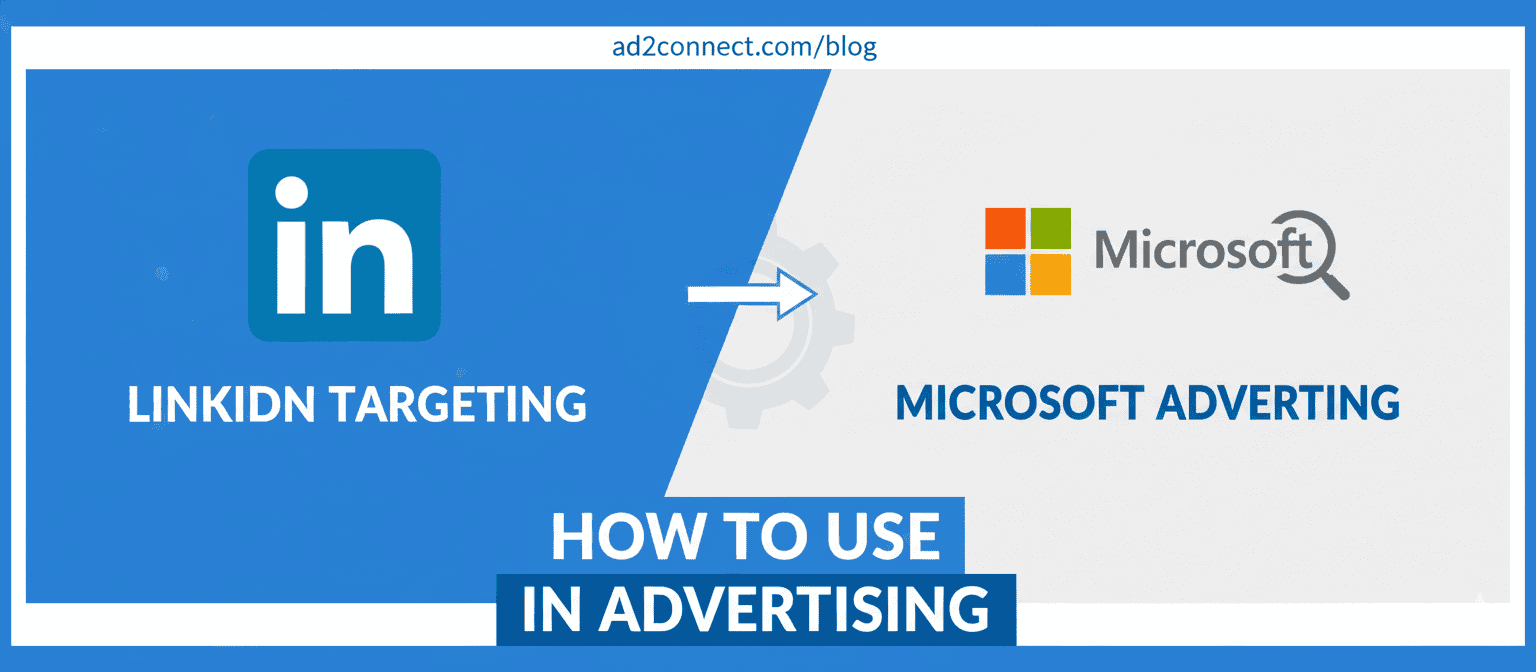
How to Use LinkedIn Targeting in Microsoft Advertising to Reach High-Value Audiences
B2B advertising is no longer about reach.
It’s about precision.
If you’re running Microsoft Ads and want to reach decision-makers, professionals, and niche B2B audiences, LinkedIn targeting in Microsoft Advertising gives you a powerful edge.
This guide explains how to use LinkedIn targeting in Microsoft Advertising, why it matters, and how marketers—especially in competitive cities like Mumbai—can drive higher-quality leads with better ROI.
What Is LinkedIn Targeting in Microsoft Advertising?
LinkedIn targeting in Microsoft Advertising allows advertisers to layer LinkedIn professional profile data onto Microsoft Search campaigns.
Instead of targeting only keywords, you can adjust bids based on who the searcher is professionally.
You can target users by:
- Company
- Industry
- Job function
This targeting applies across Microsoft’s search network, including Bing, Yahoo, and partner sites.
For B2B brands in Mumbai, where CPCs are competitive, this precision helps reduce wasted ad spend and improve lead quality.
How LinkedIn Targeting Works in Microsoft Ads (Step-by-Step)
LinkedIn targeting works as a bid adjustment layer. It does not limit impressions—it prioritizes valuable audiences.
-
- Log in to Microsoft Advertising
- Select an existing Search campaign
- Go to Campaign settings ? LinkedIn profile targeting
- Choose Company, Industry, or Job Function
- Apply bid adjustments
- Monitor performance and optimize
Why LinkedIn Targeting Improves B2B Campaign Performance
The biggest challenge in B2B advertising is relevance. LinkedIn targeting solves this by combining search intent with professional context.
-
-
- Higher-quality leads
- Better conversion rates
- Lower wasted spend
- Stronger sales alignment
-
According to industry analysis from Search Engine Land and Microsoft Advertising insights, advertisers using LinkedIn targeting often see improved CTR and lead-to-MQL ratios.
This makes it ideal for B2B SaaS, IT services, education, finance, and enterprise brands operating in India.
Common Questions and Limitations
Is LinkedIn targeting available in India?
Yes. LinkedIn profile targeting is available across India, including Mumbai, Delhi, and Bengaluru.
Can I target exact job titles?
No. Microsoft supports job functions, not individual job titles.
Does LinkedIn targeting reduce reach?
No. It adjusts bids rather than restricting impressions.
Is LinkedIn user data shared?
No personal data is shared. Targeting is aggregated and privacy-safe, following Microsoft and LinkedIn policies.
Best Practices for Using LinkedIn Targeting Effectively
-
-
- Start with job function before layering industries
- Use bid adjustments instead of exclusions
- Pair targeting with high-intent keywords
- Optimize landing pages for conversions
- Review audience performance weekly
-
Mumbai-focused tip: Target IT, finance, education, and enterprise services, and optimize ads for business-hour search behavior.
Conclusion — Turn Search Intent Into Sales Intelligence
LinkedIn targeting in Microsoft Advertising helps bridge the gap between what people search and who they are professionally.
For B2B marketers, this means smarter spending, stronger leads, and better ROI.
Want higher-quality leads from Microsoft Ads?
Start using LinkedIn targeting today and align your campaigns with real decision-makers.