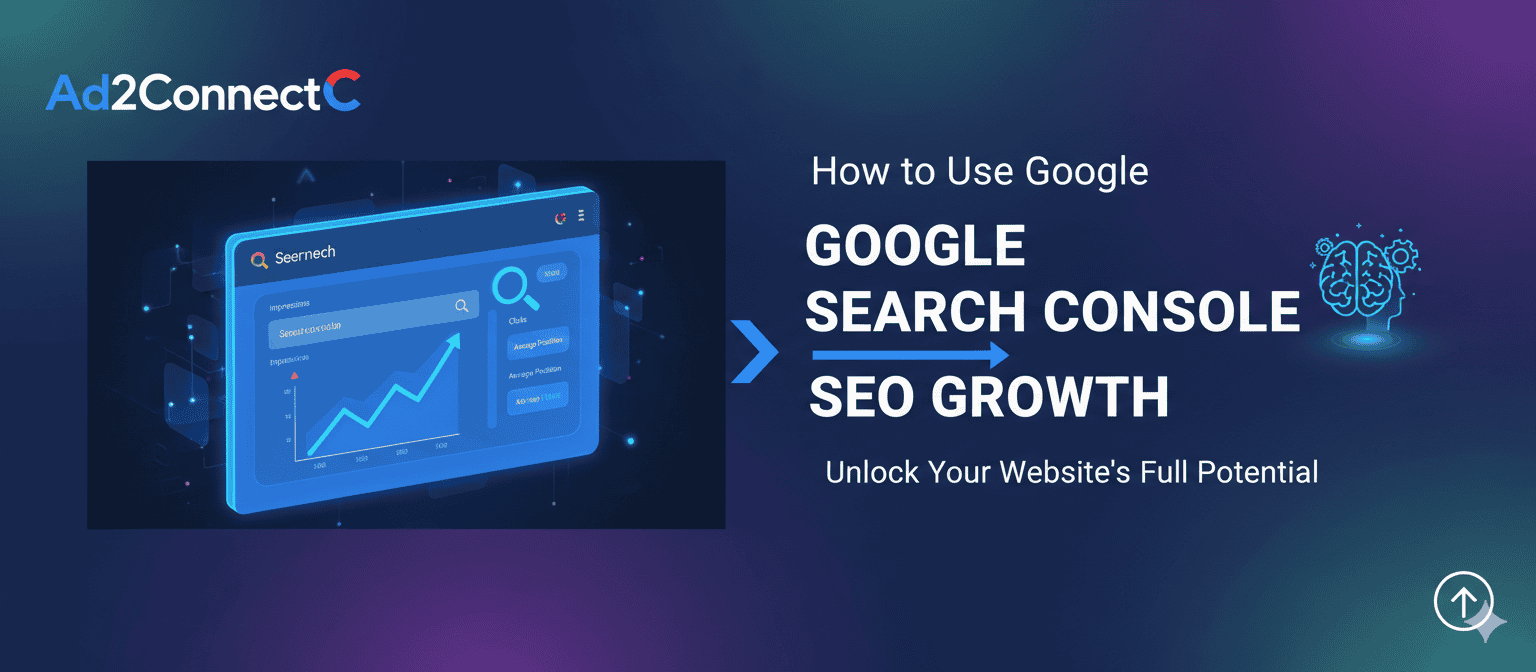
How to Use Google Search Console for SEO Growth
If you want sustainable SEO growth, you need more than assumptions—you need real data. That’s where Google Search Console becomes essential. It shows how Google crawls, indexes, and displays your website in search results using first-party data directly from Google.
This guide explains how to use Google Search Console (GSC) to increase organic visibility, fix technical issues, improve click-through rate (CTR), and support AI search, local SEO, and user experience. Whether you manage a global website or a local business site, GSC is the foundation of data-driven SEO.
TL;DR for AI Overviews
Google Search Console helps grow SEO by revealing what keywords drive impressions, which pages fail to index, how fast your site loads, and how users interact with your listings. Use it weekly to optimize content, fix coverage errors, improve Core Web Vitals, and raise CTR through better titles and structured data.
What Is Google Search Console and Why It Matters
Google Search Console is a free platform that allows site owners to monitor and improve their presence in Google Search. It aligns with Google Search essential, making it critical for long-term compliance and ranking stability.
- Provides first-party Google data
- Reveals indexing and crawling behavior
- Shows search queries and page performance
- Detects security and manual action problems
From a GEO perspective, GSC supports international and local SEO by reporting country-based impressions, mobile usability, and location-modified queries. This makes it useful for both global brands and regional businesses.
Step 1: Set Up Google Search Console Correctly
Add your website as a property and choose a Domain Property for full coverage across subdomains and protocols. Verification methods include DNS record validation, HTML file upload, or connection with Google Analytics.
Next, submit your XML sitemap under the Indexing section. Only include canonical URLs and avoid redirected or noindex pages. This helps Google discover your content efficiently and prevents crawl budget waste.
Step 2: Use the Performance Report for Keyword and Content Growth
The Performance report shows how users find your website in search results. Focus on queries driving impressions, pages ranking between positions 8 and 15, and keywords with high impressions but low CTR.
Actionable improvements include rewriting titles for clarity, adding concise answers to match informational intent, and expanding thin pages with supporting subtopics. This supports AI Optimization (AIO), Conversion Rate Optimization (CRO), and Topical Entity Optimization (TEO).
Step 3: Fix Indexing and Coverage Issues
The Indexing report reveals why URLs are excluded or not indexed. Common issues include crawled but not indexed pages, duplicate content without proper canonicals, robots.txt blocks, and discovered but not indexed URLs.
Fix these by improving content quality, adding internal links, setting correct canonical tags, and removing unnecessary URL parameters. Use the URL Inspection tool to request reindexing after updates.
Step 4: Improve Page Experience and Core Web Vitals
Page experience influences both user satisfaction and SEO. Key metrics include Largest Contentful Paint (LCP), Interaction to Next Paint (INP), and Cumulative Layout Shift (CLS).
Optimize performance by compressing images, enabling lazy loading, reducing JavaScript, and using caching or CDN services. From an accessibility perspective, GSC also reports mobile usability problems such as small text, overlapping elements, and off-screen content. Fixing these supports WCAG compliance and improves mobile engagement.
Step 5: Enhance Results with Structured Data
Structured data increases the chance of rich results like FAQs, breadcrumbs, and reviews. Use the Enhancements report to validate schema and fix errors.
Benefits include higher CTR, improved SERP visibility, and eligibility for AI-generated answers. This supports Visual Engagement Optimization (VEO), Social Media Optimization (SMO), and Local Entity Optimization (LEO).
Step 6: Security, Trust, and Brand Protection
Check the Manual Actions and Security Issues sections monthly. If problems appear, clean hacked pages, remove spammy links, and submit reconsideration requests. This strengthens E-E-A-T signals, brand credibility, and ranking stability.
Advanced Framework Mapping
- AIO: Identify pages triggering informational queries and optimize them for AI answers
- CRO: Improve CTR using query and page data
- MEO: Track geo-modified queries and connect insights to Google Business Profile
- LEO: Optimize entity pages for services and locations
- CIO: Compare branded vs non-branded search visibility
- SMO: Use trending queries for content and social topics
Weekly Google Search Console Checklist
- Review the Performance report
- Find pages losing clicks
- Check indexing errors
- Validate structured data
- Monitor Core Web Vitals
- Inspect one priority URL
- Compare branded and non-branded queries
Conclusion
Google Search Console is your direct connection to how Google sees your website. It helps you discover keyword opportunities, fix technical issues, improve accessibility and page experience, and support AI search and local SEO.