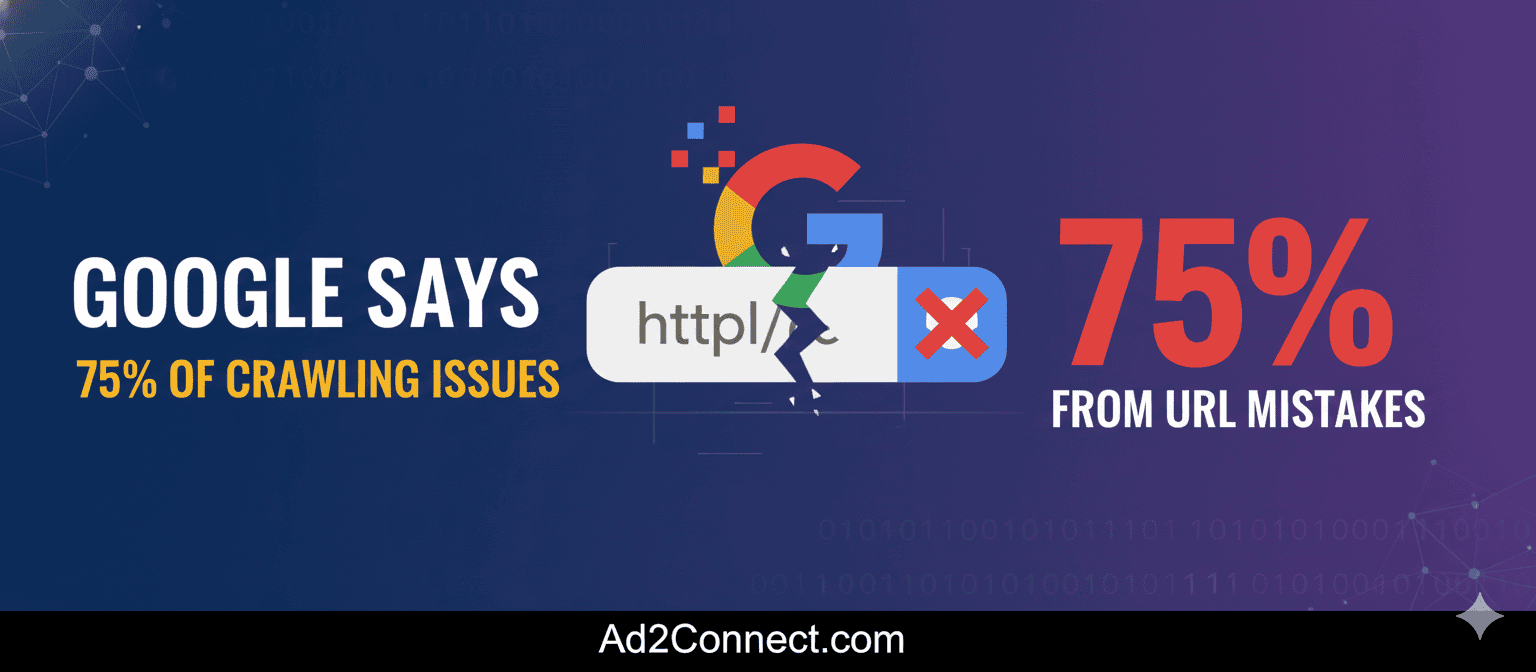
Google Says 75% of Crawling Issues Come From URL Mistakes
If Google can’t crawl your website properly, it doesn’t matter how good your content is — it simply won’t rank. According to insights shared by Google’s Search Relations team and reported by Search Engine Land, 75% of crawling issues come from just two common URL mistakes.
This is an important reminder for site owners, SEO professionals, and developers: most crawling problems aren’t caused by complex algorithms or penalties. They come from avoidable technical missteps that confuse Googlebot and waste crawl budget.
Understanding these URL mistakes helps you improve indexation, prevent duplicate content, make better use of crawl budget, and support stronger SEO performance.
What Are Crawling Issues?
Crawling is the process Google uses to discover and fetch web pages. Googlebot follows links, reads URLs, and determines which pages should be indexed. Crawling issues occur when Googlebot encounters too many duplicate URLs, gets stuck in loops, wastes time on low-value pages, or can’t reach important content.
Common symptoms include pages not appearing in Google Search Console’s indexed report, spikes in “Discovered – currently not indexed,” crawl budget exhaustion on large sites, and soft 404 or duplicate content warnings.
Google’s data shows that most of these problems stem from how URLs are generated and managed.
Mistake #1: Infinite or Near-Infinite URL Spaces
What This Means
Infinite URL spaces happen when a website creates countless URL variations that lead to the same or similar content. This often occurs through sorting parameters, filtering options, session IDs, calendar navigation, and internal search result pages.
Examples include:
- /shoes?color=black
- /shoes?size=10
- /shoes?sort=price
- /shoes?sessionid=3492
To Googlebot, each of these looks like a brand-new page even if the main content barely changes.
Why It Causes Crawling Issues
When Googlebot encounters infinite URL combinations, crawl budget is wasted on duplicate pages, important pages are crawled less frequently, ranking signals become diluted, and index bloat occurs.
This problem is especially common on ecommerce websites, travel booking platforms, real estate directories, and large publishing sites with filters.
Mistake #2: Unsupported or Broken URL Patterns
What This Means
Unsupported URL patterns are URLs that technically exist but don’t function properly for crawling or indexing. These include malformed query strings, auto-generated tracking links, broken pagination, redirect loops, and JavaScript-only URLs without HTML alternatives.
Examples include:
- /page?id=%%%%
- /category/page/9999
- /product?ref=track123&utm=abc
- /results?search=
Why It Causes Crawling Issues
These patterns lead to dead ends, return soft 404s, create endless redirect chains, and produce thin or empty content. Googlebot wastes time trying to process these URLs, which increases server load, reduces crawl efficiency, creates index coverage errors, and weakens internal linking signals.
This is often caused by CMS misconfiguration, plugins that generate URLs dynamically, poor redirect logic, and inconsistent internal links.
Quick Self-Check: Do You Have URL Crawl Problems?
- Do your URLs contain long strings of parameters?
- Can filters generate unlimited combinations?
- Are internal links pointing to parameter-based URLs?
- Does Google Search Console report “Duplicate without user-selected canonical”?
- Are thousands of similar URLs indexed?
If you answered yes to two or more, your site likely suffers from URL-based crawling issues.
How to Fix These URL Mistakes
Use Canonical URLs Properly
Canonical tags tell Google which version of a page is the main one. This prevents duplicate indexing and consolidates ranking signals. Always use one canonical per page, point to clean static URLs, and avoid conflicting canonicals.
Block Problematic URLs With robots.txt
You can stop Googlebot from crawling unnecessary URL variations such as sorting URLs, tracking parameters, and internal search pages. This ensures Google focuses on category pages, product pages, and core content.
Improve Internal Linking
Only link to clean URLs in navigation menus, breadcrumbs, XML sitemaps, and footer links. Avoid linking to filtered URLs, session-based URLs, and internal search result pages.
Use Google Search Console for Monitoring
Review the Crawl Stats report, Indexing report, and URL Inspection tool. Look for high crawl volume on low-value URLs, large numbers of duplicate pages, and “Discovered – not indexed” status.
Accessibility and UX Considerations
Clean URLs don’t just help Google — they help users and assistive technologies. Use readable words in URLs instead of random characters, avoid parameter-heavy URLs in navigation, ensure pagination works without JavaScript, provide descriptive anchor text, and always include alt text for images.
From a WCAG perspective, clear URLs improve screen reader context, logical URL structure improves keyboard navigation, and consistent linking improves user predictability.
EEAT and Core Update Alignment
Google’s 2023–2025 Core Updates prioritize technical reliability, helpful content, and trustworthiness. Fixing URL crawl issues supports EEAT by ensuring important content is discoverable, reducing thin and duplicate pages, improving site quality signals, and supporting faster page rendering.
According to Google Search Central documentation and statements from Google’s Search Relations team, crawl efficiency is foundational for proper indexing.
Conclusion
Google’s message is simple: most crawling problems come from preventable URL mistakes. By addressing infinite URL spaces and broken or unsupported URL patterns, you can improve crawl efficiency, reduce index bloat, strengthen internal linking, and support better SEO performance.